I've quit every note-taking app I've tried, so I built another one
As a software engineer, it is fairly important that I write notes, documentation, guides and all that other useful stuff.
My problem is that I've never found a note taking app that I can actually stick with.
I'll use one for a few days or maybe even a few weeks before never touching it again and moving onto the next shiny note taking app. Maybe I have ADHD or just enjoy setting up productivity systems more than I enjoy being productive. Who knows?
The note-taking app graveyard
Notion takes the gold medal for lasting the longest.
I went all in and created a dashboard with separate pages for documentation, guides, code snippets and a load of other shit that never got used properly.
Instead of organising anything I ended up dumping every new note onto the same page because I couldn't be arsed putting it in the right place. This eventually led to the downfall of my Notion era due to the thing becoming such a mess.
Then I tried Obsidian (Also known as the 2nd brain to vibecoders)
got bored after a few days because it couldn't do all the shiny things Notion could, felt to plain (which is ironic when you see what I've built)
Then, after seeing the bell-curve Apple notes meme, I thought it would be rude not to try Apple notes.

You will never guess... I got board of this too.
I think the real problem isn't particularly the apps its the fact I would write notes and then never look at them again. On the rare occasion that I did need something, I either couldn't find it or had forgotten that I'd written it in the first place.
You know what they say "If you want something done right, do it yourself." — Napoleon, I think.
The world definitely needs another note-taking app
I know what you’re thinking. The answer is no, by the way, bro hasn’t vibe-coded another React or Electron app. There are already plenty of those.
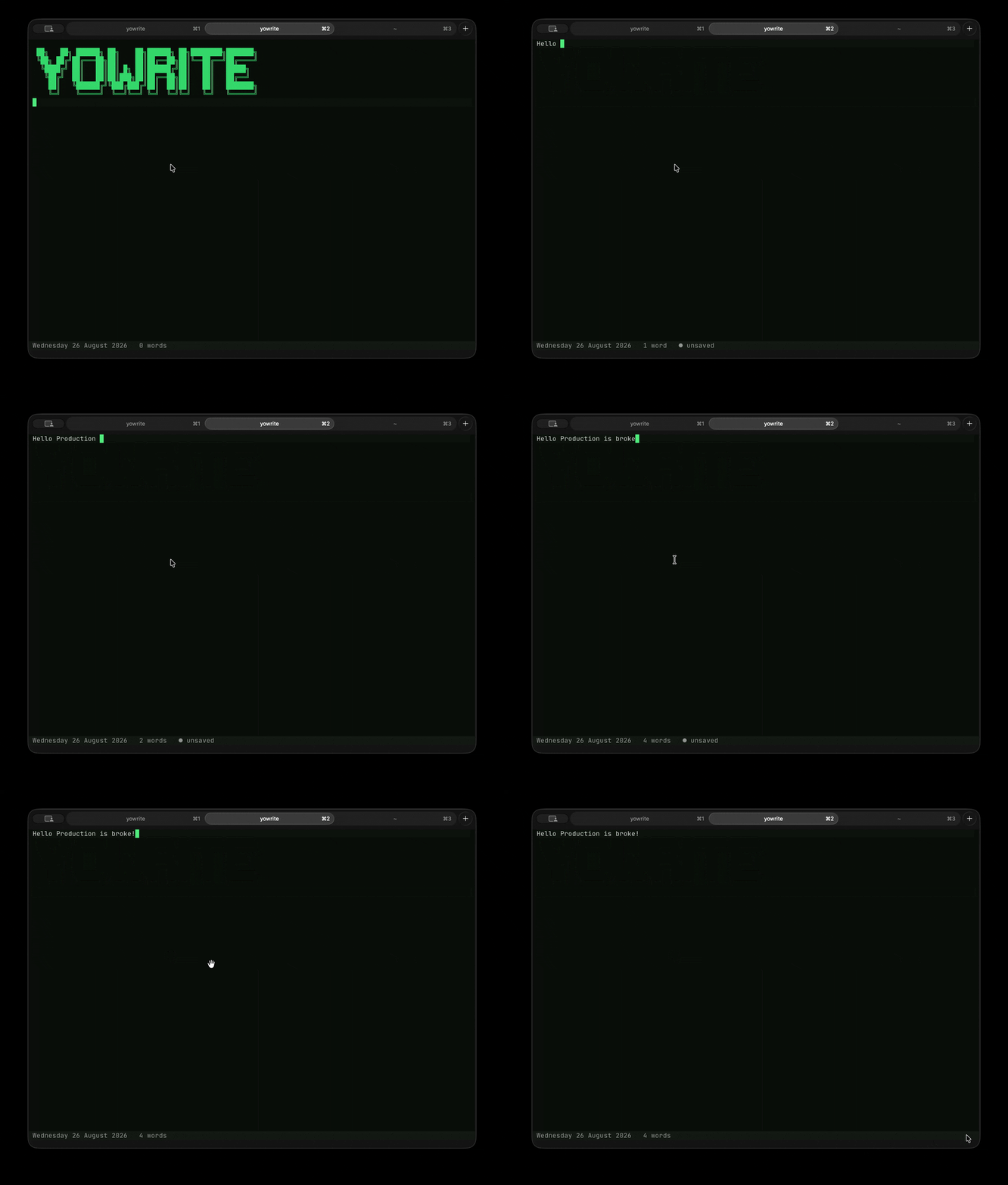
I decided to build my note-taking system inside the terminal since this is where I spend most of my time using Claude code.
My thinking was if I build this myself then surely I will use it.
Although, now that I think about all the other things I've built and never touched again, that logic doesn't really hold up. Anyways I will stick with that logic for now while I am still using it.
It doesn't have any fancy features you get with something like Notion. There are no databases, custom dashboards, colourful banners or unnecessary widgets to get me excited.
What it does have is a quick file-search system.
I press Ctrl + P, start typing the name of a note and either open an existing file or create a new one. In theory, this means I should be able to quickly find a guide, code snippet or anything else I’ve written without digging through a maze of folders.
In theory.
I added more unnecessary features
I also connected everything to an Obsidian vault so I can access and edit the notes from there.
Why?
I don't know, I just did.
Then I created a private GitHub repo to store all the notes.
Again, there wasn't a particularly good reason for this. I could have kept them locally and been completely fine. But god knows maybe I will need to access them from another device one day.
It was also an excuse just to keep adding more pointless features to this as I was in full flow tism state.
The exciting part that will blow your mind
Running the following command opens today’s daily note:
yowrite
If today’s note doesn’t exist yet, it creates one using the current date.
Passing it a filename opens that note instead:
yowrite docker-guide
If the note doesn’t already exist, yowrite creates it.
Everything lives inside a notes/ directory, which the tool creates automatically and turns into a Git repository the first time it runs.
Daily notes are stored inside daily/.
Everything else goes into inbox/.
Then, when I inevitably forget what I called something, I can press Ctrl + P and search for it.
Will I open source this?
Hmm maybe, maybe not.
Will I still be using this in six months from now? Based on my track record, probably not
Would I recommend using this or building something like this yourself?
Nope.
Just use Apple Notes (reference above)
Then again, using the sensible option would ruin the entire point of this blog...